
Duration
6 Months
Professional Certificate in Robotics Engineering
Learn robotics engineering through structured lessons, programming, simulation, automation, computer vision, and hands-on projects. Build the skills to design, simulate, and evaluate intelligent machines — from first principles to a capstone autonomous robot.
Each month builds on the last, with instructor support so self-paced study still has a professional checkpoint. Learn robotics. Build intelligent machines. Engineer the future.
Delivery
100% Online
Format
Self-paced with instructor support
Certificate
Certificate of Completion
Programming
Python + C++ fundamentals
Platform
ROS 2 and simulation
An engineering pathway from first robot to autonomous system
This program is designed for prospective students who want a structured, project-driven introduction to robotics engineering. You study online, practice in simulation, and finish with a capstone that ties mapping, localization, perception, planning, and navigation together.
Each month builds on the last: fundamentals and electronics thinking, then robot software and ROS 2, then modeling and simulation, then vision and introductory AI, then autonomy, and finally system integration. Instructor support is available so self-paced study still has a professional checkpoint.
Skills you will develop
Robotics sits at the intersection of software, mechanics, sensing, and decision-making. The curriculum develops these competencies through lessons, labs, and projects — not slogans.
-
Robotics programming
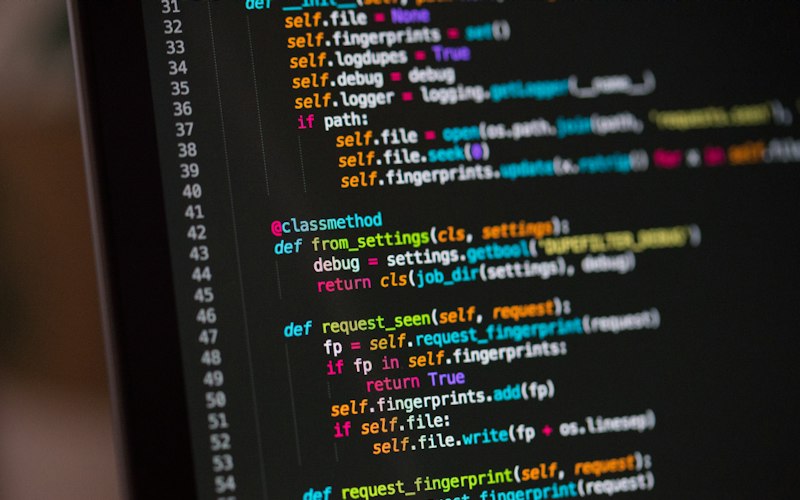
Write Python and introductory C++ that command motion, read sensors, and structure robot software.
-
Robot operating systems
Use ROS 2 nodes, topics, services, and actions to connect perception, planning, and control.
-
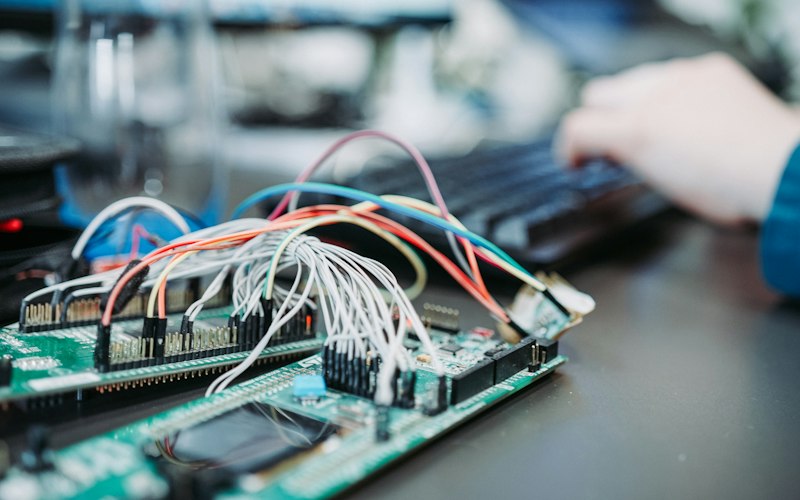
Sensors and actuators
Select and interpret encoders, range sensors, cameras, and motors as parts of a closed loop.
-
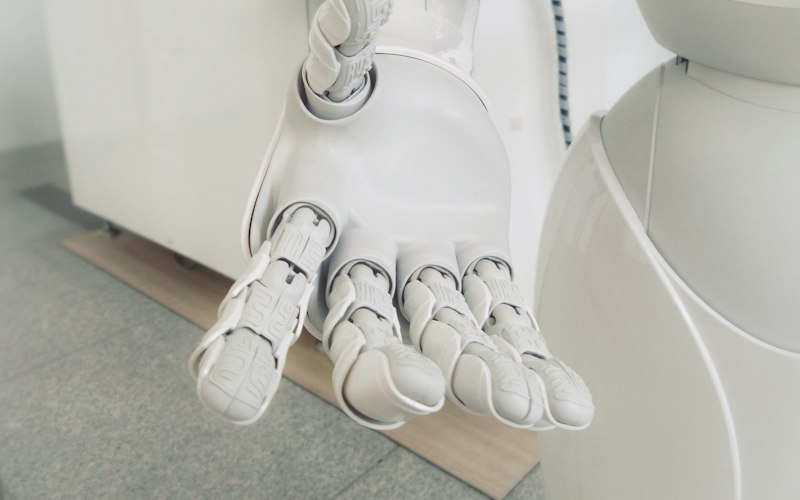
Kinematics
Apply forward and inverse kinematics so bases and arms move in predictable frames.
-
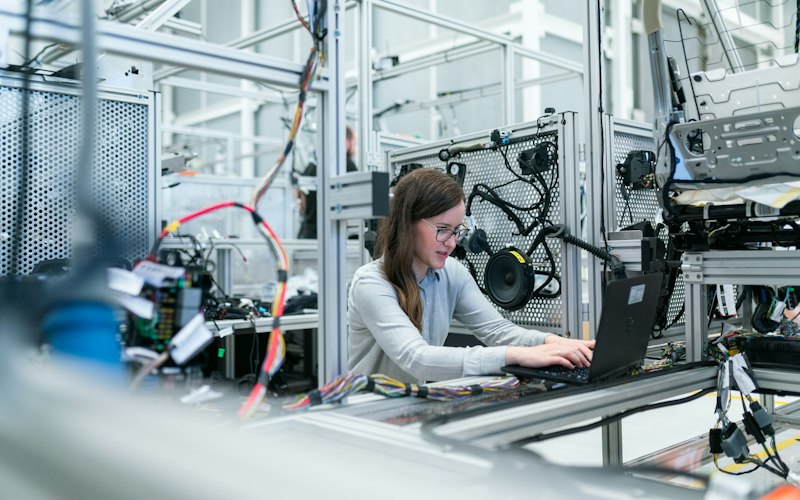
Robot control
Tune feedback controllers, including PID, so robots reach poses without uncontrolled oscillation.
-
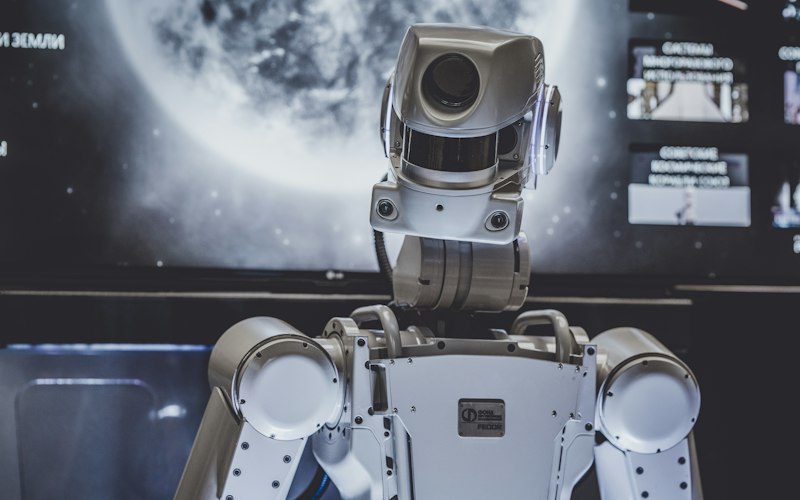
Computer vision
Process camera images with OpenCV to detect, locate, and track objects that guide motion.
-
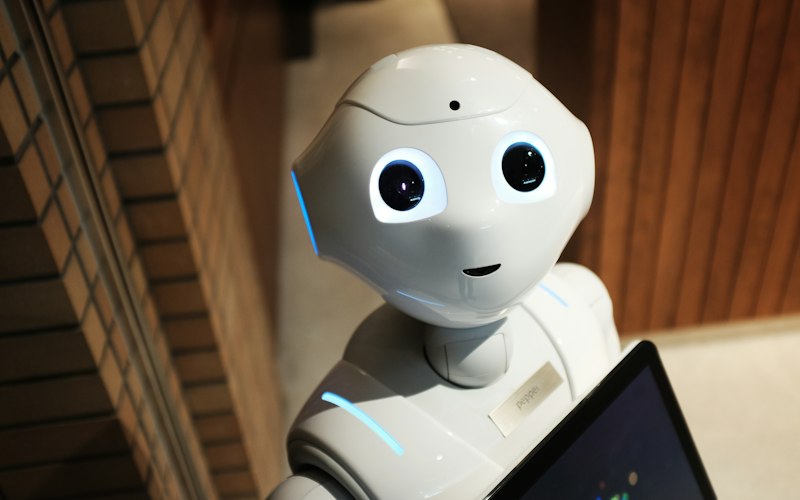
Artificial intelligence
Use introductory machine learning ideas to support perception and simple autonomous decisions.
-
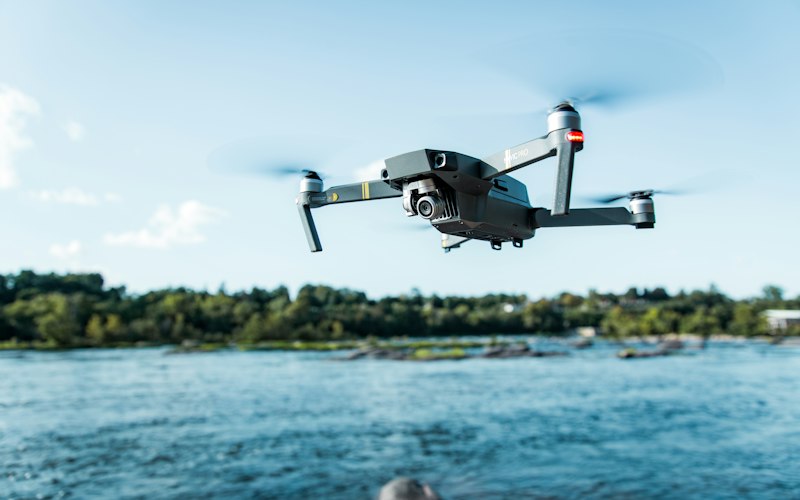
Autonomous navigation
Localize, plan paths, avoid obstacles, and drive to goals in a mapped environment.
-
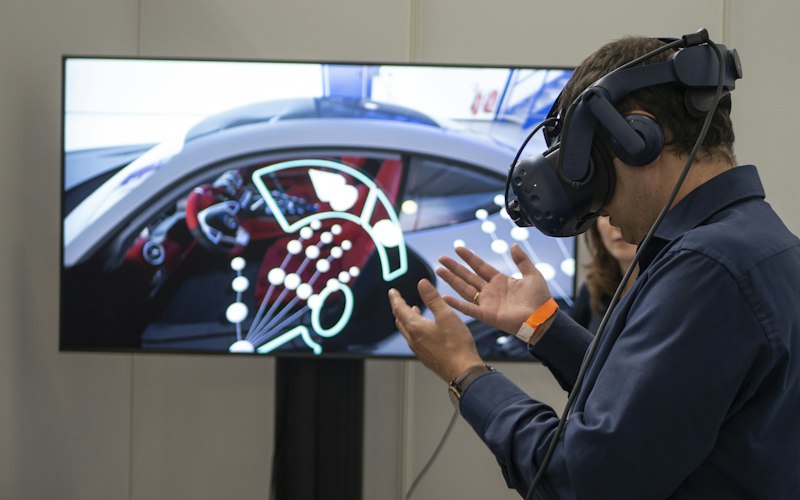
Simulation
Model robots in URDF, visualize in RViz, and test behavior in Gazebo-style physics worlds.
-
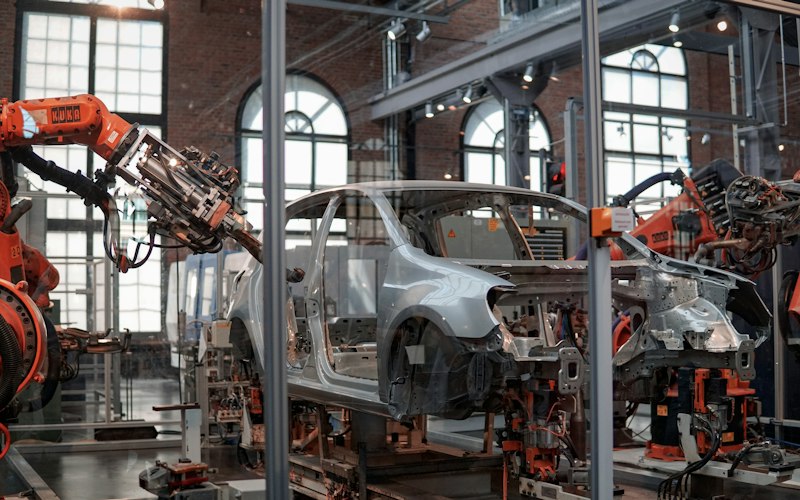
Industrial robotics
Connect course projects to manufacturing, logistics, and automation use cases you will meet at work.
-
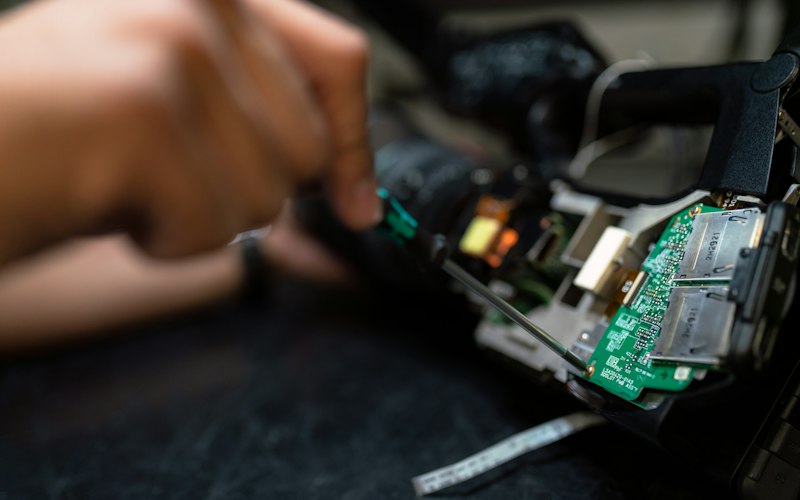
Embedded systems
Understand how onboard computers, I/O, and timing constraints shape real robot software.
-
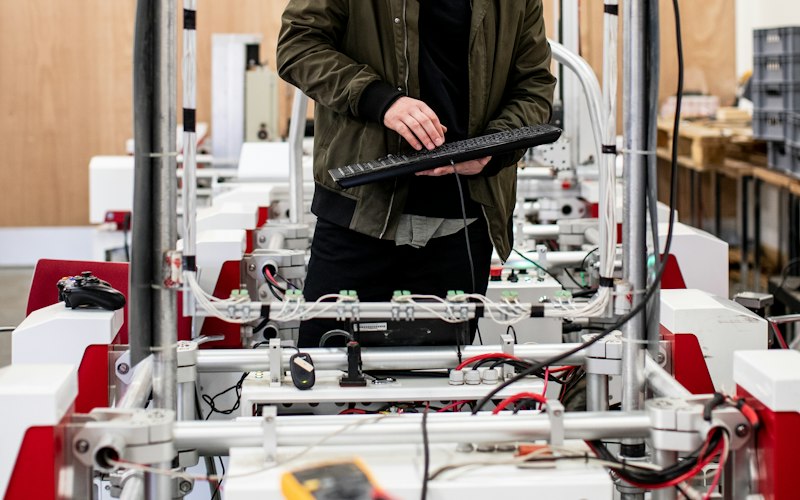
System integration
Assemble perception, planning, and control into a documented system that can be tested and demonstrated.
A sequenced path from fundamentals to capstone
Open any month on the curriculum page for topics, weekly rhythm, and the associated project. The first month is expanded here so you can see how instruction is organized.
Robotics Fundamentals
Robot types, sensors, motors, frames, and Python — then a basic mobile robot in simulation.
Key topics
- Introduction to robotics
- Robot types and applications
- Sensors and actuators
- Motors and motor control
- Encoders
- Basic electronics
- Coordinate systems
- Introduction to Python
- Introduction to robot programming
Robot Programming and Control
Python, C++ fundamentals, ROS 2 communication, and PID motion control.
Key topics
- Python for robotics
- C++ fundamentals
- ROS 2 introduction
- Nodes
- Topics
- Services
- Actions
- Robot communication
- PID control
- Motion control
Robot Modeling and Simulation
Kinematics, URDF, Gazebo, RViz, and manipulator trajectories.
Key topics
- Robot kinematics
- Forward kinematics
- Inverse kinematics
- URDF
- Robot modeling
- Gazebo simulation
- RViz
- Manipulator simulation
- Trajectory planning
Computer Vision and AI
OpenCV, depth sensors, detection, tracking, and vision-guided motion.
Key topics
- Computer vision fundamentals
- OpenCV
- Cameras and depth sensors
- Image processing
- Object detection
- Object tracking
- Machine learning fundamentals
- Vision-guided robotics
Autonomous Robotics
Localization, mapping, SLAM, planning, and sensor fusion.
Key topics
- Localization
- Mapping
- SLAM
- Path planning
- Obstacle avoidance
- Navigation
- Sensor fusion
- Autonomous decision-making
Robotics Capstone Project
Architecture, integration, testing, documentation, and presentation.
Key topics
- Robotics system architecture
- Hardware/software integration
- Simulation-to-real concepts
- Testing
- Debugging
- System documentation
- Engineering presentation
How you progress through the program
Every week follows an engineering loop. You do not jump from a video to a certificate. You learn a concept, practice it, simulate it, integrate it into a project, test it, submit evidence, and — after the capstone — receive the certificate of completion.
- LearnLessons and notes
- PracticeExercises and quizzes
- SimulateRobot worlds and tools
- BuildWeekly project work
- TestScenarios and logs
- SubmitAssignments and demos
- CertifyCapstone review
Learn
Short, sequenced lessons introduce one idea at a time: a sensor model, a ROS 2 pattern, or a planner setting. Notes and recommended reading sit beside each week.
Practice and simulate
Labs run in software. You command robots, inspect topics, tune controllers, and record what failed. Hardware is optional; simulation is required.
Build, test, submit, certify
Monthly projects feed the capstone. You submit work for review, demonstrate required behaviors, and receive a certificate of completion when program requirements are met.
Who can apply — and what is actually required
Admission is open to motivated learners who can study online and complete project work. Recommended background is not the same as a mandatory requirement.
Eligibility
Who can apply?
- Students exploring engineering, computing, or automation
- Recent graduates building a robotics portfolio
- Engineers adding robot software and simulation skills
- Programmers moving toward embodied systems
- Technology professionals working with automation teams
- Automation enthusiasts who want a structured syllabus
- Professionals transitioning into robotics roles
Background
Suggested prerequisites — recommended, not mandatory
- Basic mathematics (algebra; comfort with graphs and units)
- Basic computer skills (install software, manage files, use a browser)
- No previous robotics experience is required
- Basic programming knowledge is helpful but not mandatory
Mandatory admission requirements
A complete registration form, agreement to the program terms, and the ability to attend online. There is no robotics entrance exam. Programming bootcamps are not required before you start; Month 1 includes a Python introduction.
The program in numbers
0
Months of sequenced study
0
Weekly learning modules
0
Guided robotics projects
0
Online delivery